How to Create a Rental Agreement for Karnataka Properties
If you are preparing a lease for a Bengaluru apartment, a Mysuru villa, or any other Karnataka property, the easiest path is to draft it online, review the clauses before paying, finish e-stamping inside the same flow, and collect e-signatures digitally. Regal is built around exactly that sequence.
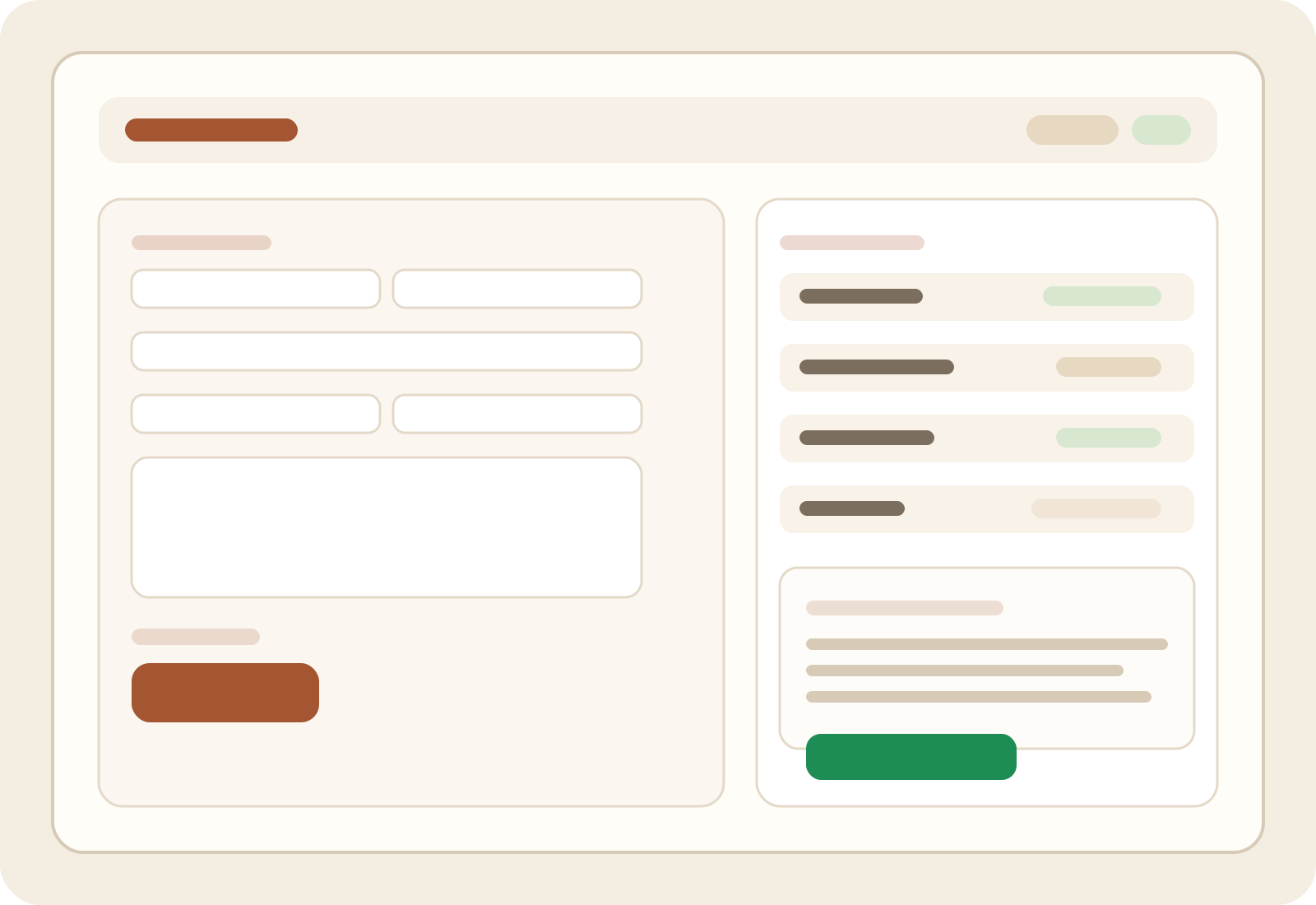
Preview the full Karnataka agreement before payment.
Handle e-stamping during checkout instead of offline follow-up.
Send e-sign requests to both parties from any device.
Renew from the previous agreement without retyping every field.
1. Start with the essentials and let the draft build itself
Regal guides you through the core details first: rent, deposit, tenure, due date, owner details, tenant details, and property address. That is the fastest way to create a Karnataka rent agreement because you are filling a structured flow instead of editing a blank document.
One of the most useful parts of the flow is that you can review the draft before committing. You see the key commercial terms and the actual agreement text, which keeps both parties aligned before payment or signing.
2. Complete Karnataka e-stamping without breaking the flow
For Karnataka properties, stamping is not an afterthought. Regal brings it into the same agreement journey so you can move from draft review to checkout with a clear breakdown of the platform fee and the e-stamp component.
That saves time because you are not drafting in one place and chasing stamp paper somewhere else. The article experience is faster, cleaner, and easier to explain to tenants who may be signing remotely.
Owner and tenant names, mobile numbers, and email IDs.
Property address, monthly rent, security deposit, and lock-in or notice terms.
Start date, tenure, maintenance arrangement, and any custom clauses.
ID and supporting details needed for stamping and signature collection.

3. Use e-sign so both parties can finish from anywhere
After the agreement is ready and stamped, Regal makes the last mile easier with e-sign. Instead of printing, scanning, and coordinating physical signatures, you can send the agreement to the owner and tenant digitally and track completion.
This is especially helpful when one party is travelling, moving cities, or finalising the lease on a tight timeline. The result is a faster turnaround and a signed PDF that is easier to store and share.
One digital path
Draft, pay, stamp, sign, and download without switching to a separate offline process.
Cleaner coordination
Both sides can review and sign from their own devices, which helps deals close faster.
Faster completion
The signed PDF is ready to download once the signature flow is complete.
4. Renew the agreement in minutes instead of starting over
Renewals are where digital workflows save the most time. If the tenant is staying on, you usually only need to update dates, rent, and a few terms. Regal is designed so you can reuse the previous agreement, make the changes, and send the new version back through the same payment and signing path.

- 1
Open the previous agreement and clone the details.
- 2
Update only what changed, like rent, dates, or notice period.
- 3
Review the refreshed draft, complete payment, and trigger e-sign again.
- 4
Download the new executed copy once both parties finish signing.
The quickest Karnataka rental agreement is the one you do end to end in one place.
Draft it with guided inputs, review the terms before payment, complete Karnataka e-stamping, collect e-signatures online, and reuse the same flow for renewals. That is what makes Regal feel fast in practice, not just in marketing copy.